
How 360° Video Is Transforming Education
360° video lets students look anywhere in a scene, turning a passive clip into a place they explore. Here's how immersive video is changing lessons, and how it differs from interactive worlds.
Key Takeaways
- 360° video records every direction at once, so viewers choose where to look.
- It adds presence and agency that flat video lacks.
- It suits real events and places; interactive worlds add navigation and hotspots on top.
- It works on projectors, phones, tablets and VR headsets.
- Pair it with a clear task so students explore with purpose.
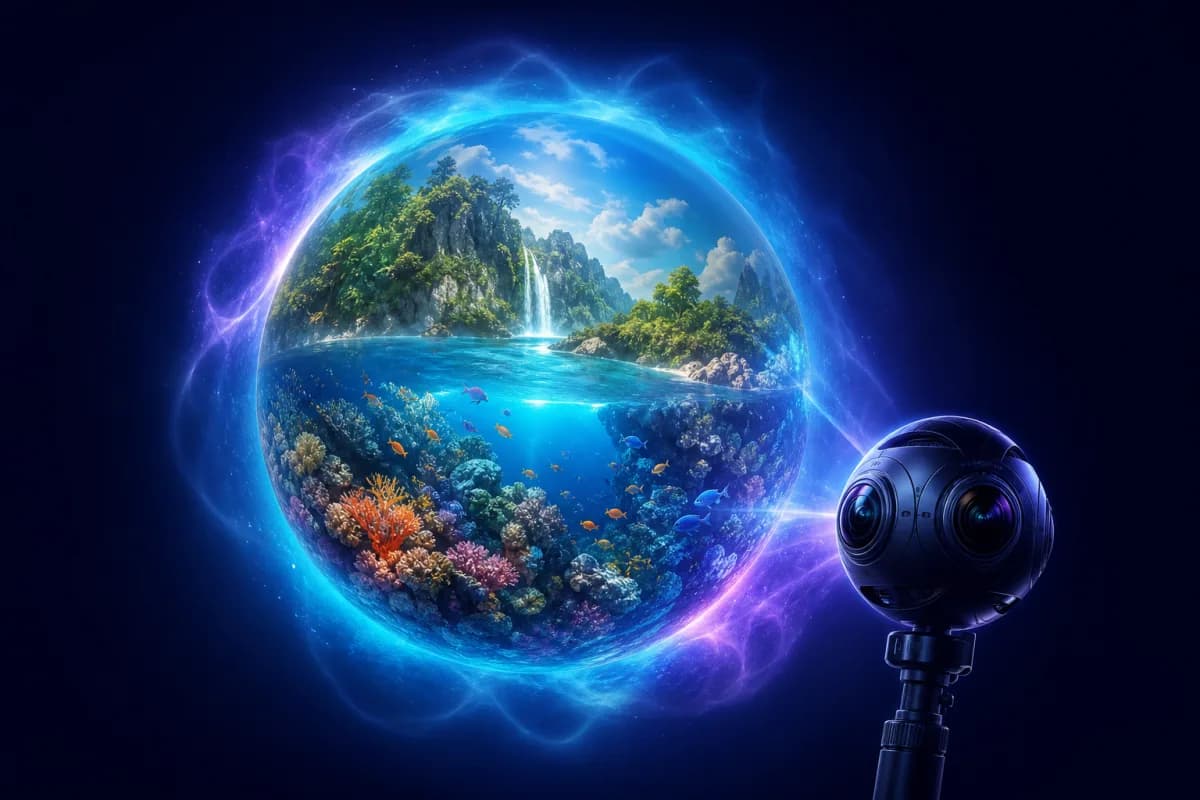
Ordinary video shows students exactly what a camera operator chose to film. 360° video hands the viewpoint to the viewer: the footage is captured in every direction at once, so a student can look up at the rainforest canopy, down at the reef, or behind them at the rest of the scene — all while the moment plays out. That single change, from watching to looking, is quietly reshaping how video is used in the classroom.
What 360° video actually is
A 360° camera records the entire sphere around it simultaneously. On playback, the viewer drags to look wherever they want, or — in a headset — simply turns their head. The result feels less like a clip and more like standing in a place while something happens.
That's the key distinction from normal video, and it's why 360° footage sits on the immersion spectrum described in what is immersive learning?: it adds presence and viewer agency, the two ingredients that make immersive media memorable.
360° video vs interactive worlds
It's worth being precise, because the terms get blurred:
- 360° video is a recording of a real moment you look around within — a dive on a reef, a walk through a market, a rocket launch.
- Interactive worlds let you also move between scenes, tap hotspots for information, and follow narration and questions.
They're complementary. Video captures the vividness of a real moment; worlds add navigation and structure. 360Worlds uses both — explore the 360° video collection alongside the fully interactive worlds library.
Why 360° video works in the classroom
- Presence. Being able to look around makes students feel in the scene, which captures attention that a flat clip loses.
- Agency. Choosing where to look is a small act of control that raises engagement and encourages noticing.
- Access. Students visit real places and events they never could in person — a coral reef, a historic site, a moment in nature.
- Repeatability. Rewind, pause and revisit any angle as many times as the lesson needs.
How to use 360° video well
The medium adds presence; your teaching adds learning:
- Set a looking task. "Find three signs of erosion." "Watch what the animals do when the tide turns." A task turns looking into observation.
- Pause and point. Stop the video and ask the class where they looked and why.
- Compare. Show the same scene twice and ask students to notice different things each time.
- Debrief. Discussion afterwards is where noticing becomes understanding.
This mirrors the structure in how to plan a virtual field trip — the principles are the same.
Delivery: from projector to headset
You don't need special equipment. Project a 360° video on the board and drag to look around for a whole-class experience, let students explore on tablets, or use VR headsets for full immersion. Everything runs in a browser, so there are no apps to install — see do you need a VR headset? for the full picture.
Where this is heading
Immersive video and interactive worlds are converging on the same delivery layer: browser-based, explorable experiences viewable on any device including headsets. For teachers, that means the line between "watching a video" and "visiting a place" keeps blurring — in a good way.
To bring immersive video and worlds into your teaching across every subject, explore 360Worlds for schools, see pricing, or book a demo.
Frequently Asked Questions

The 360Worlds Team
Immersive Learning Specialists
We build immersive educational worlds that let learners explore history, science, geography, space and nature through interactive 360° experiences.
Related Articles

What Is Immersive Learning? A Complete Guide
Immersive learning uses 360°, VR and interactive environments to put students inside a subject rather than in front of it. Here's what it is, why it works, and how to use it in any classroom.

7 Benefits of Immersive Learning for Students
Immersive learning does more than impress — it improves engagement, retention, empathy and access. Here are seven evidence-backed benefits of immersive learning for students, and how to realise them.
What Are Virtual Field Trips? A Teacher's Guide
Virtual field trips let a class explore anywhere — a Roman street, the surface of Mars, the inside of a cell — without leaving the room. Here is what they are, how they work and how to run one well.