
What Are Virtual Field Trips? A Teacher's Guide
Virtual field trips let a class explore anywhere — a Roman street, the surface of Mars, the inside of a cell — without leaving the room. Here is what they are, how they work and how to run one well.
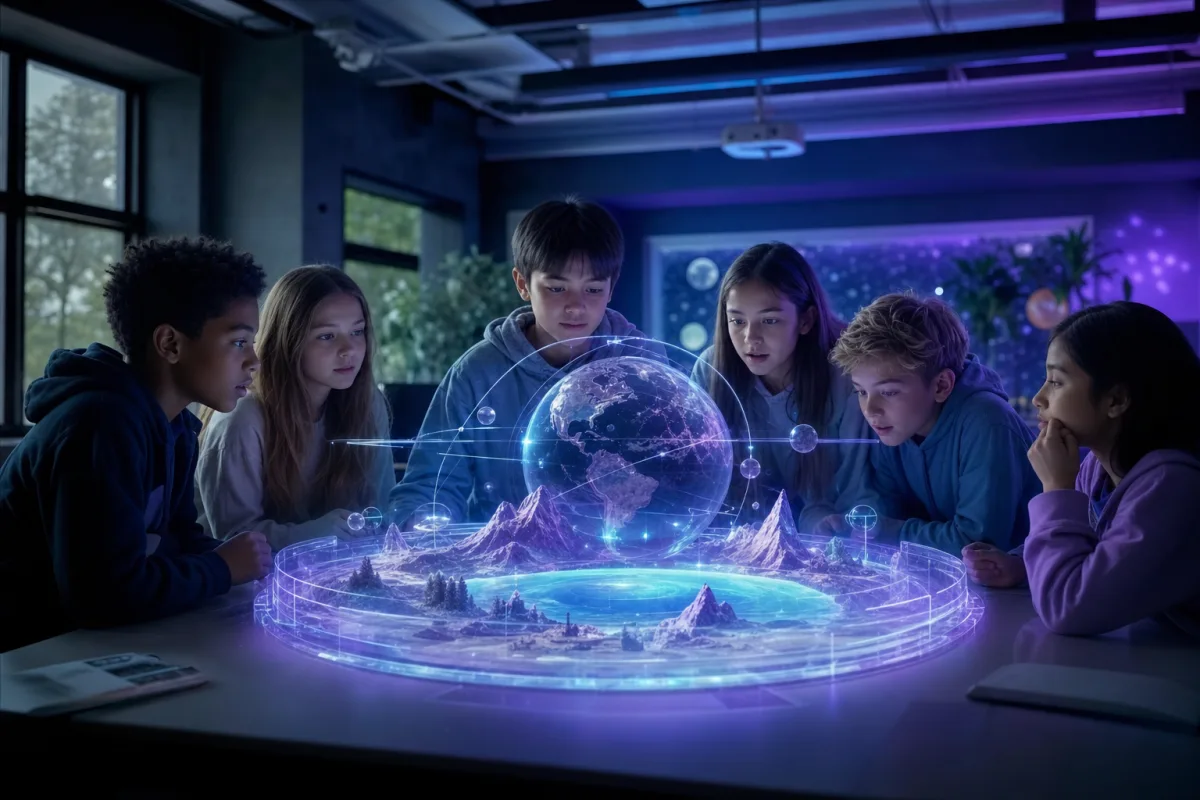
Key Takeaways
- A virtual field trip is an interactive 360° or VR journey to a place students explore from the classroom.
- They remove the cost, logistics, safeguarding and distance barriers of physical trips.
- The best trips are interactive and narrated, not just a video to watch passively.
- They can visit impossible places — the past, inside the body, distant planets.
- Any device works, from a class projector to a phone in a cardboard viewer to a full VR headset.
A field trip used to mean a coach, a risk assessment, a stack of consent forms and a whole day out of the timetable. A virtual field trip keeps the wonder and drops almost all of the friction: your class explores a place together, on screen or in a headset, and is back for the next lesson.
This guide explains what virtual field trips are, how they work, why teachers are adopting them, and how to run one that actually lands.
What a virtual field trip actually is
A virtual field trip is an interactive, explorable experience of a place. Unlike a documentary, which you watch, a virtual trip is one you move through: students look around a full 360° scene, travel between locations, and interact with narration, labels and questions along the way.
That "place" doesn't have to be somewhere you could physically go. It might be:
- A real location — a coral reef, a mountain range, a famous building.
- A reconstruction of the past — Roman London as it stood two thousand years ago.
- Somewhere impossible to visit — the inside of the human body, the surface of another planet, or the deep ocean.
This is the core difference between a virtual field trip and a real one: the real world is only the starting point. See our full guide to immersive learning for the theory behind why exploring, rather than watching, changes how much students retain.
How virtual field trips work
Modern virtual field trips are built from 360° panoramas or video, stitched together into a navigable world. A typical trip includes:
- Scenes you can look around in any direction.
- Hotspots — tap points that reveal facts, images or move you onward.
- Narration — a guide voice explaining what you're seeing, often in multiple languages.
- Questions and prompts that turn passive looking into active thinking.
Because 360Worlds runs in a browser, delivery is flexible. Read Do you need a VR headset to use 360Worlds? for the full breakdown, but in short: a projector works for the whole class, tablets work for pairs, and VR headsets add full immersion.
Why teachers are switching to virtual trips
Virtual field trips solve the exact problems that make physical trips hard:
- Cost — no coaches, entry fees or cover staff.
- Logistics — no consent forms, head counts or weather.
- Safeguarding — every student stays on site.
- Access — students with mobility, medical or anxiety needs join fully. See immersive learning for SEND students.
- Reach — you can visit places no coach could ever go.
They also scale in a way physical trips can't: once a world exists, you can revisit it every year, with every class, pausing and rewinding as needed.
Where virtual field trips fall short (and how to handle it)
They are not a total replacement for physical experience. Standing in a real forest engages senses a screen can't, and shared real-world adventures build social bonds. The strongest approach treats virtual trips as a complement: use one to prepare students before a real visit, to extend a topic to places you could never reach, or to include students who can't attend in person.
How to run a great virtual field trip
The technology is the easy part; the teaching around it decides the outcome.
- Set a purpose first. Give students something to look for, not just something to look at.
- Pause and discuss. Stop at key scenes and ask what they notice.
- Let them drive. Where possible, hand control over so students choose where to look — agency drives engagement.
- Follow up. A short task afterwards — a sketch, a paragraph, a debate — converts the experience into learning.
We cover this in depth in how to plan a virtual field trip, with a step-by-step lesson structure.
Getting started
The simplest way to try one is to open a ready-made world and explore it yourself first. Browse the full library of 360Worlds experiences, pick one that matches your current topic, and run it on the board for ten minutes. For a curated starting point, see our roundup of the best virtual field trips for schools.
When you're ready to bring immersive trips into your curriculum properly, 360Worlds for schools covers the whole class, every subject, on any device — see plans and pricing or book a school demo.
Frequently Asked Questions

The 360Worlds Team
Immersive Learning Specialists
We build immersive educational worlds that let learners explore history, science, geography, space and nature through interactive 360° experiences.
Related Articles

How to Plan a Virtual Field Trip (Step by Step)
A simple, repeatable structure for planning a virtual field trip that teaches, not just entertains — from choosing a destination to the follow-up task that makes it stick.

12 Best Virtual Field Trips for Schools in 2026
From Roman London to the surface of Mars and the deep ocean, here are twelve of the best virtual field trips for schools — what each one teaches and the subjects it suits.

What Is Immersive Learning? A Complete Guide
Immersive learning uses 360°, VR and interactive environments to put students inside a subject rather than in front of it. Here's what it is, why it works, and how to use it in any classroom.