
Do You Need a VR Headset to Use 360Worlds?
Short answer: no. 360Worlds runs in any web browser, on any device. Here's exactly what works with and without a headset, and when a headset is worth it.

Key Takeaways
- You do not need a VR headset — 360Worlds runs in any browser on any device.
- On a computer you drag to look around; on a phone or tablet you move the device or drag.
- A headset adds full presence and head tracking, but it's an optional upgrade.
- There are no apps to install; everything runs on the web.
- Schools can start whole-class on a projector and add headsets later if they choose.
It's the first question almost everyone asks: do we need to buy headsets? The answer is a clear no — and understanding why helps you get the most out of 360Worlds whatever equipment you have.
The short answer
360Worlds is browser-based. Every world runs in a normal web browser, so any reasonably modern device can explore the full library with no headset and no app to install. A VR headset is a genuine upgrade to how immersive the experience feels, but it changes nothing about what content you can access.
This is the practical side of the immersion spectrum we describe in what is immersive learning?: immersion is a dial, not a switch, and you can turn it up when it's worth it.
What works on each device
Computer or laptop
Open a world in the browser and drag with the mouse to look around; click hotspots to move and learn. Ideal for whole-class teaching on a projector or interactive whiteboard — the whole room shares one virtual field trip.
Phone or tablet
Explore by dragging with a finger, or by physically moving the device to pan around the scene — a lovely, intuitive way to look up, down and behind you. Perfect for individual or paired exploration. Slot a phone into a cheap cardboard viewer and you get a taste of headset immersion for a few pounds.
VR headset
Put on a standalone headset such as a Meta Quest, open 360Worlds in its browser (or the dedicated Quest viewer), and simply turn your head to look around. This is full presence — the strongest sense of actually being there.
When is a headset worth it?
A headset adds real value when:
- You want the maximum "wow" and presence — a memorable, awe-driven moment.
- You're teaching something where spatial immersion matters most, like scale or environment.
- You've got the routines to manage headsets in class (see VR in the classroom).
A headset is not necessary when:
- You're teaching the whole class at once — the projector is better for shared, guided exploration.
- You're just starting and want to prove the value first.
- Your students are below the headset age guidance (often 13).
Why browser-based matters for schools
Traditional classroom VR meant installing and updating apps on every headset and getting each through app-store approval — a real IT burden. Because 360Worlds runs on the web:
- No installs. Open a link and go.
- No updates to manage per device.
- One platform, every device — computer, tablet, headset.
That's a big part of why browser-based immersive learning is far easier to run than headset-first VR ever was.
The practical recommendation
Start on the equipment you already own. Run a world whole-class on the board, prove the value, and then — if you want the extra presence — add a small set of headsets on a rotation. You'll never be blocked from the content by hardware.
Ready to explore? Browse the full library of worlds on whatever device you have now. To bring immersive worlds into your school across every subject and device, see 360Worlds for schools, pricing, or book a demo.
Frequently Asked Questions

The 360Worlds Team
Immersive Learning Specialists
We build immersive educational worlds that let learners explore history, science, geography, space and nature through interactive 360° experiences.
Related Articles
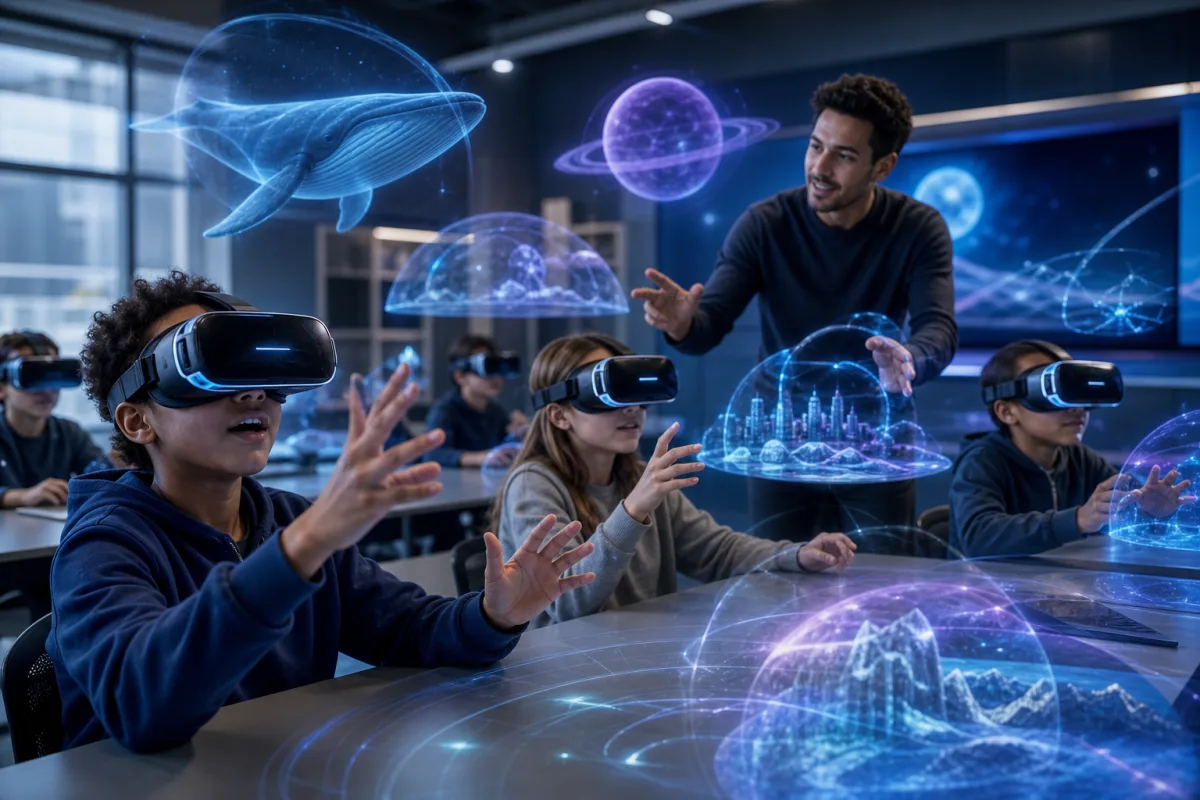
VR in the Classroom: A Practical Guide for Schools
Virtual reality in schools sounds daunting and expensive — it doesn't have to be. A practical guide to using VR and 360° worlds in the classroom, from no-headset starts to full headset rollouts.

What Are Virtual Field Trips? A Teacher's Guide
Virtual field trips let a class explore anywhere — a Roman street, the surface of Mars, the inside of a cell — without leaving the room. Here is what they are, how they work and how to run one well.

What Is Immersive Learning? A Complete Guide
Immersive learning uses 360°, VR and interactive environments to put students inside a subject rather than in front of it. Here's what it is, why it works, and how to use it in any classroom.